Website Rebuild
Why Did I Need a Change to My Website?
My legacy website was a pain to add content to, every new project meant:
- editing the homepage code to make a UI card linking to the project page,
- possibly rewriting code that affected other pages, like if I wanted to add buttons and rewrite button classes, and
- writing an entire HTML for the new page I wanted to add. It was not scalable, and it deterred me from adding new content
On top of dealing with a bunch of code rewriting and copy-pasting haphazardly, the code was very messy and although it “worked”, it made it so that I didn’t want to touch the code and trying to refactor it or clean it up wasn’t enough, There needed to be a more fundamental change, but a framework like React seemed like overkill to me.
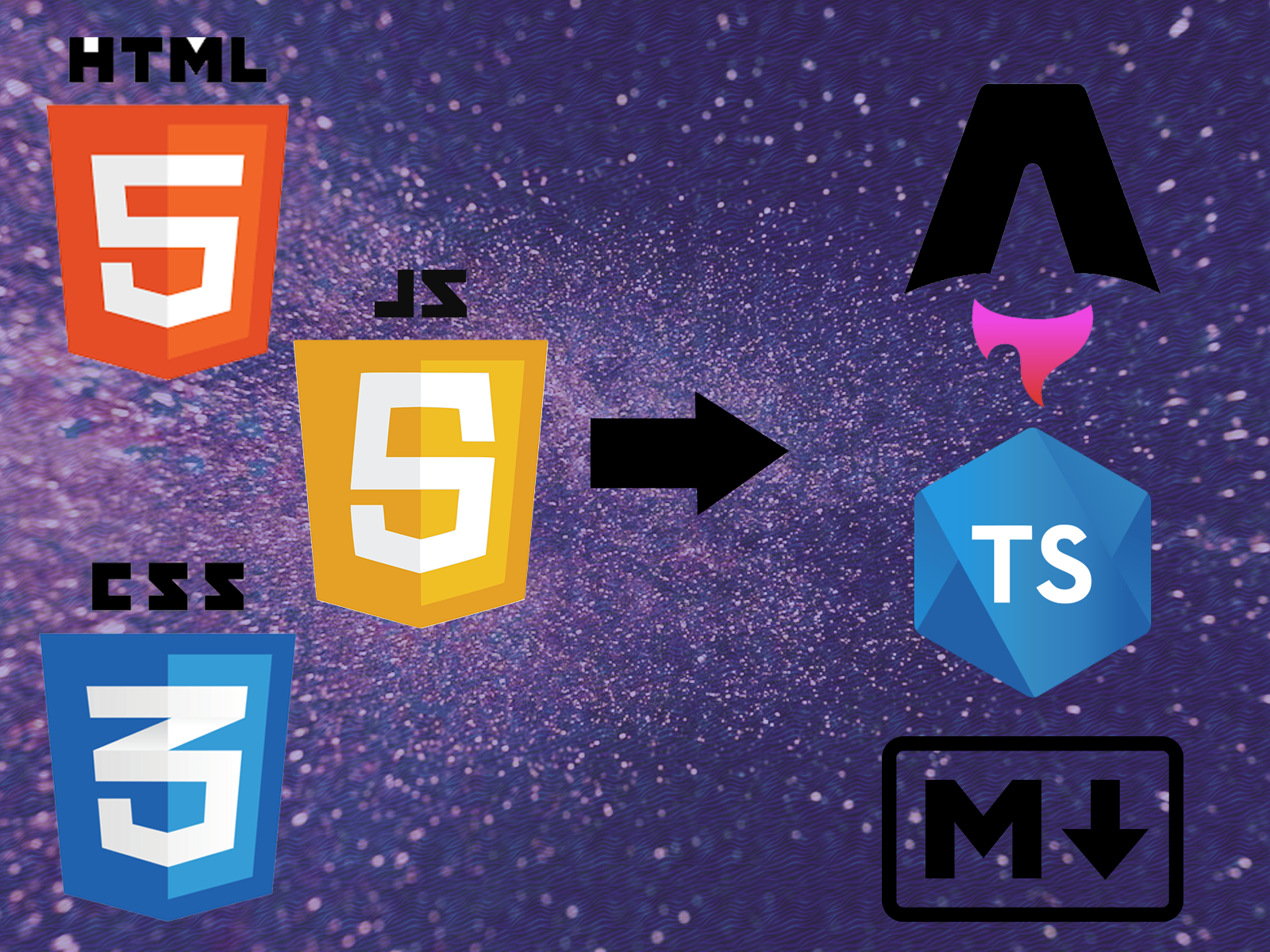
My main concern was that I wanted to have re-usable components, similar to what is in React, but more lightweight. This brought me to the framework called Astro, which is a content focused site builder, rather than a large library meant for dynamic UI such as React.
How this rebuild solved my problems
This rebuild involved using a framework that allowed for modularity, and therefore scalability, in my website. The framework also indirectly allowed me to take a different approach with my CSS logic, allowing me to separate CSS that is more about structure and flow for the whole website with CSS that is about styling components. It makes my CSS easier to navigate, reference, and change.
The framework itself, allowing for components, alleviated the requirement of worrying about re-implementing HTML formatting for every new page I created. Now when I create a new page, I don’t create an HTML file, I create a markdown file and only worry about the content/body of the actual post, as well as some small metadata. This approach makes it far easier to add new content.
Development/Writing Workflow Improvements
On my legacy website, When writing an article for a given project page, I’d write it in Microsoft Word first for grammar and spell checking and then paste it into the HTML code and format it accordingly, and this was on top of redoing the entire page’s HTML formatting. Now, since I write in markdown files, I leverage VS Code extensions that can perform grammar and spell checking inside my editor.
Mobile Testing and Feature Branching
Prior to this rebuild, I was pushing my code straight to deployment, with testing only on desktop even though I should’ve tested on mobile as well. Now, I actually test on mobile and desktop before ever pushing my code, and when I push, I push to a feature branch, and then merge into deployment when the feature branch has been validated.
Also, since adding content no longer requires changing code, but simply adding a markdown, this doesn’t even require feature branching, I can push right to deployment without any worry of breaking anything, since the functional and structural logic of my code is not changing in any way.
GitHub Actions
GitHub actions is a new modern way to have your code build and run on the server automatically. This is actually something I picked up from my Co-op. It allows for automated unit testing and security checks before the site goes up, and is needed for modern web development frameworks using JavaScript.
The old traditional GitHub pages approach was only really useful for static pages that didn’t really incorporate too much JavaScript. This is another aspect in making my website more scalable and sophisticated.